

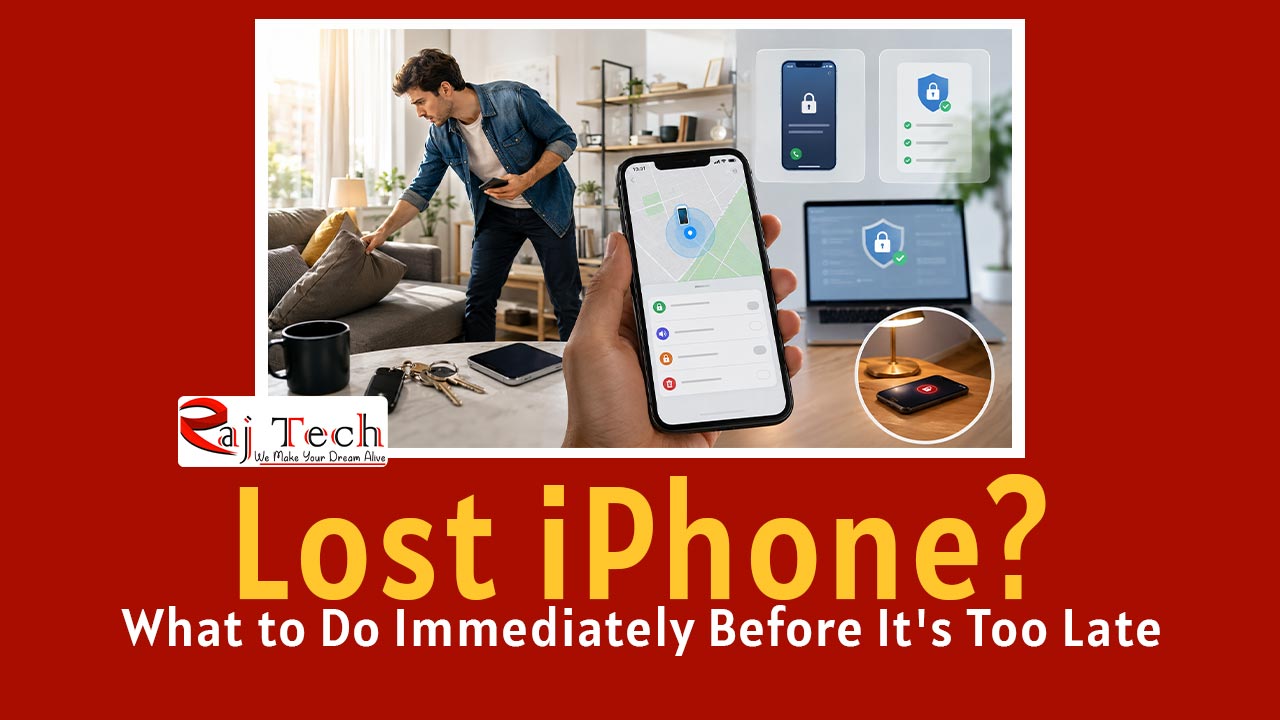
Losing your phone is no small matter; the moment you realize it’s gone, your stress levels skyrocket. You frantically check your pockets, your bag, the car, and every other conceivable place. Then, a single thought dominates your mind: “Is my data safe?”
If you’ve lost your iPhone, the biggest mistake you can make is panicking—every minute counts. By following the right steps in the correct order, you not only increase the chances of recovering your phone but also ensure your personal data remains secure.
In this guide, we will cover the exact steps recommended by Apple experts.
 Read this nextAirDrop not working on my iPhone, iPad, or Mac? 10 Ways to Resolve Your Issues
First, Confirm That Your iPhone Is Actually Lost
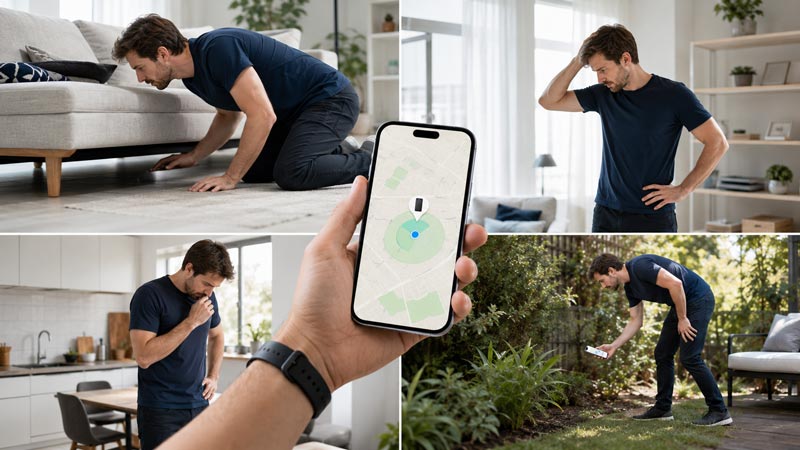
Sometimes, we simply forget where we left our phone after putting it on silent mode at home.
So, before you panic, check the following:
- Check the sofa and bed.
- Check the car.
- Check your office desk.
- Ask a family member to call you.
- Try ringing the phone using your Apple Watch or another Apple device.
If you still cannot find the phone, proceed to the next step.
Open ‘Find My’ Immediately
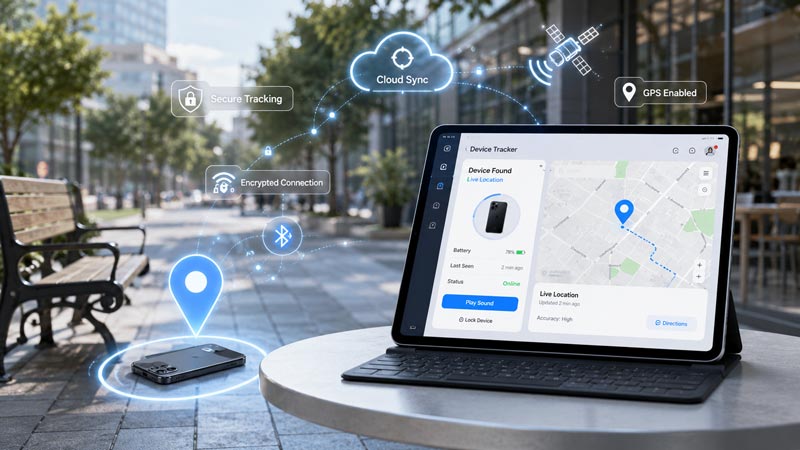
It is excellent if ‘Find My’ is already enabled, as this significantly increases the chances of recovery.
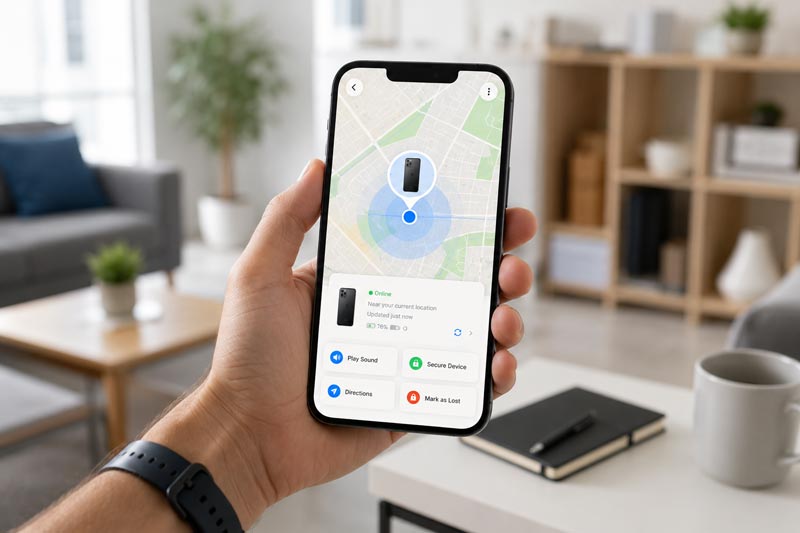
Log in to your Apple ID using another Apple device or a web browser and open ‘Find My’.
Here, you can view:
- Current location
- Last known location
- Battery status
- Whether the device is online or offline
This information will determine your next course of action.
Play a Sound If the Phone Is Nearby
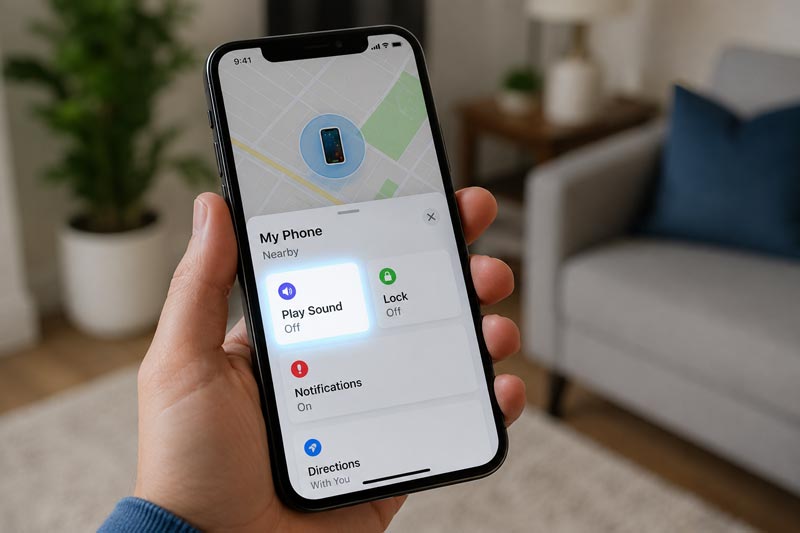
Often, the phone is simply lying in an office drawer, under a sofa cushion, or beneath a car seat.
Select the ‘Play Sound’ option in ‘Find My’.
The sound will play at high volume, even if the phone is in silent mode.
This simple feature saves you from unnecessary stress.
Don’t Delay Activating Lost Mode
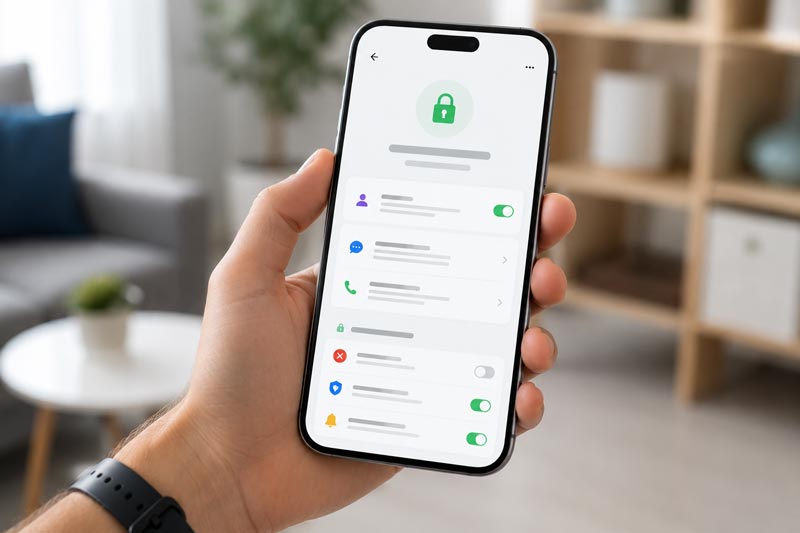
If the phone shows up at an unknown location, turn on Lost Mode immediately.
This will:
- Lock the phone.
- Disable Apple Pay.
- Allow a contact number to be displayed on the screen.
- Keep the device trackable.
If an honest person finds your phone, they can contact you directly; otherwise, the process becomes a bit more complicated for us.
When Is It Necessary to Change Your Apple ID Password?
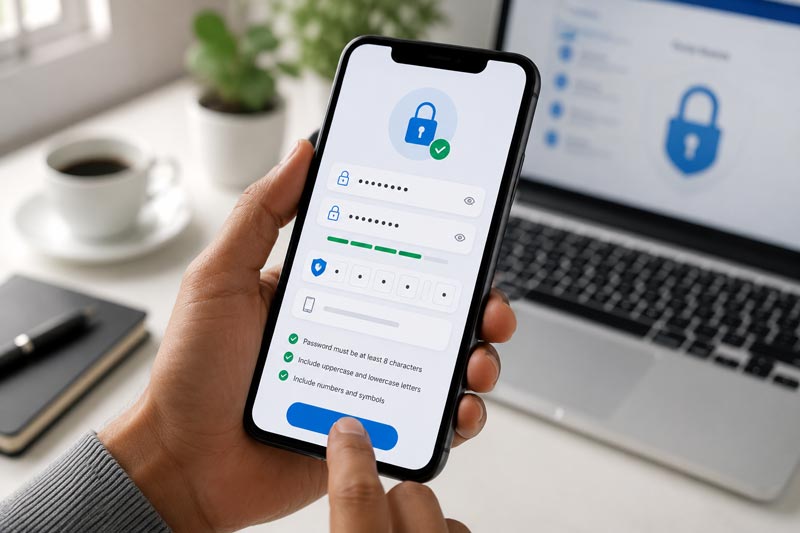
If you suspect the phone was stolen intentionally, you should change your Apple ID password immediately.
This ensures:
- Your iCloud account remains secure.
- Personal photos stay safe.
- Notes and backups remain protected.
- The risk of password misuse is reduced.
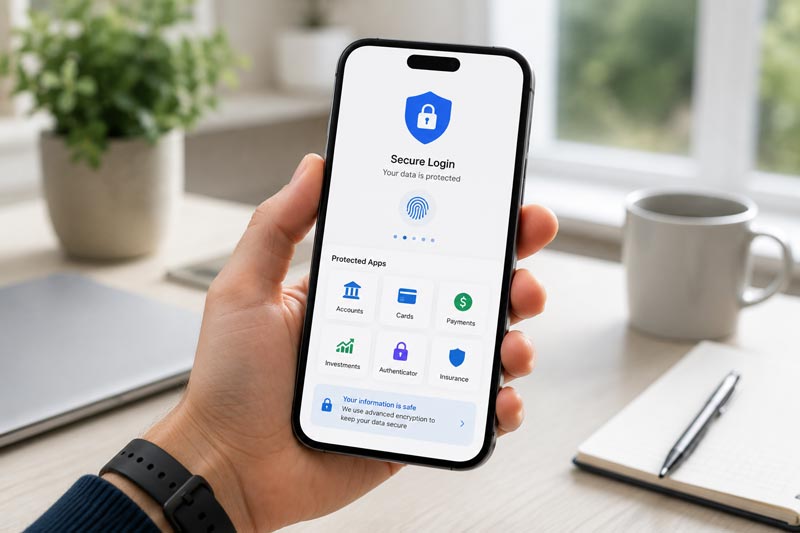
Secure Banking Apps and Payment Accounts First
Your phone holds more than just photos; it contains:
- UPI apps…
- Net banking…
- Credit cards…
- Email…
All of these are stored on the device.
If the device cannot be recovered:
- Log out of banking apps.
- Change important passwords.
- Secure payment wallets.
- Verify two-factor authentication settings.
These steps protect you from financial loss.
Don’t Forget to Block Your SIM Card
An active SIM means OTPs remain active too.
Call your mobile operator to:
- Temporarily block the SIM.
- Immediately request a replacement SIM.
This significantly reduces the risk of fraud.

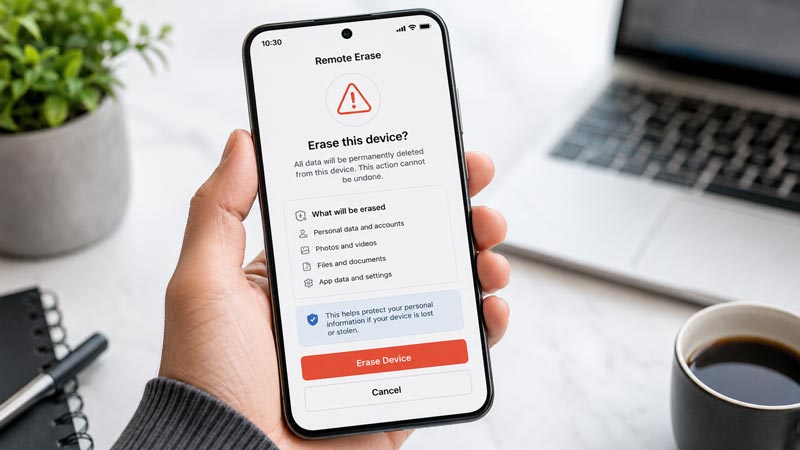
If the phone is not recoverable, perform a remote erase immediately.
This is the last option.
Remote erase will:
Photos will be deleted.
Personal files will be removed.
Messages will be erased.
Apps will be reset.
The chances of recovering the phone are reduced, but data security is of paramount importance.
Importance of a Police Complaint and IMEI Number
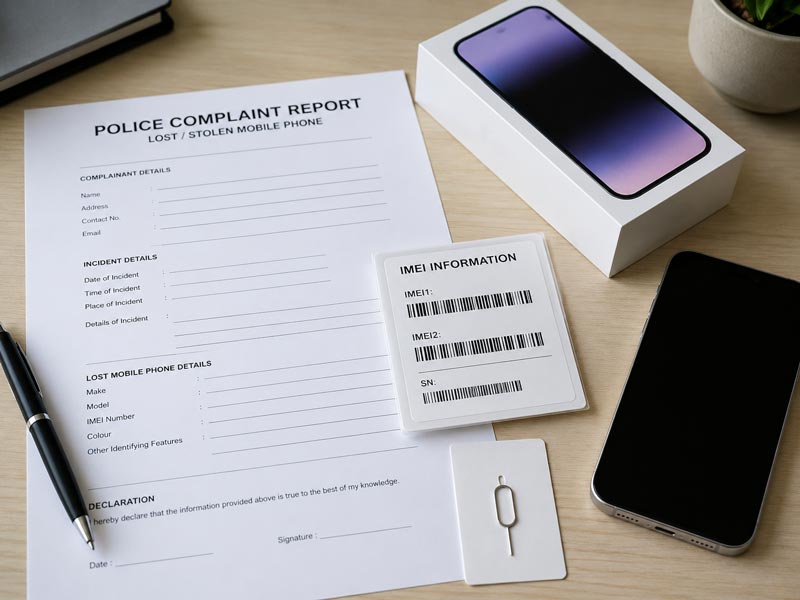
If the phone is stolen, it is important to register a police complaint.
The IMEI number is found on the invoice or original box.
These details are useful in both insurance claims and investigations.
The Biggest Mistake People Make
Many people receive calls or messages from unknown sources claiming:
“Your iPhone has been found. Log in to verify.”
This is where the major scam occurs.
Never log in with your Apple ID via an unknown link.
Apple never asks for your credentials through random SMS messages.
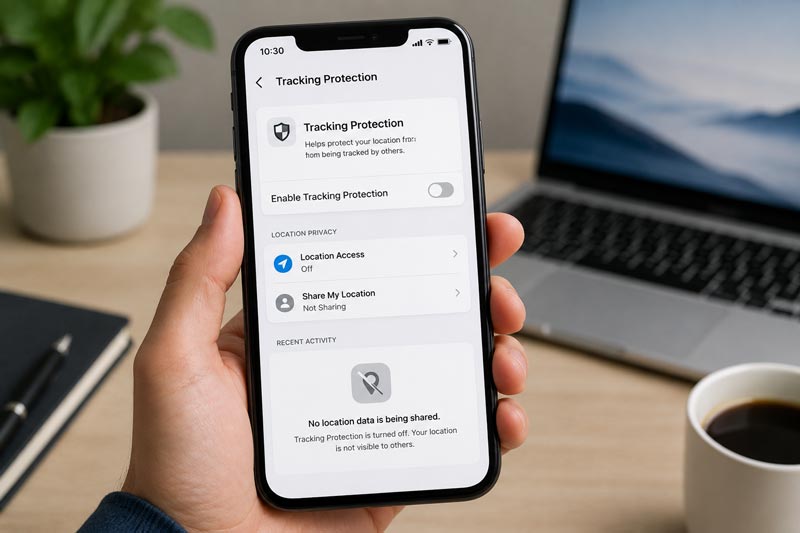
The Catch – ‘Find My’ Won’t Work in Every Situation
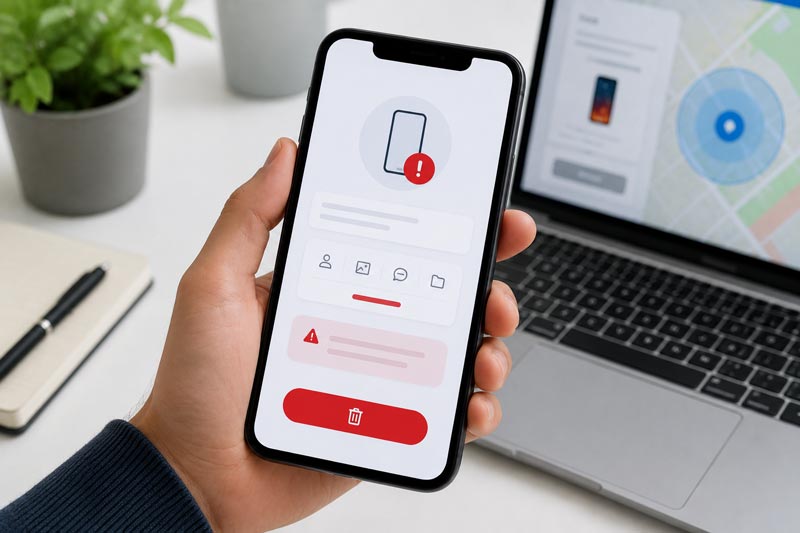
This feature is very powerful, but it has its limitations. As the saying goes, nothing is perfect, no matter how good it is.
Recovery can be difficult in certain situations.
When Can Problems Arise?
- ‘Find My’ was not turned on beforehand.
- The Apple ID was removed.
- The device is heavily damaged.
- The battery died a long time ago.
- Both the Internet and the ‘Find My Network’ are unavailable.
That is why preventing the loss (or removing the device from the account) is always better than trying to recover it.
How to Prevent This Situation in the Future
Simply recovering the phone isn’t enough.
Be prepared for the future by doing the following:
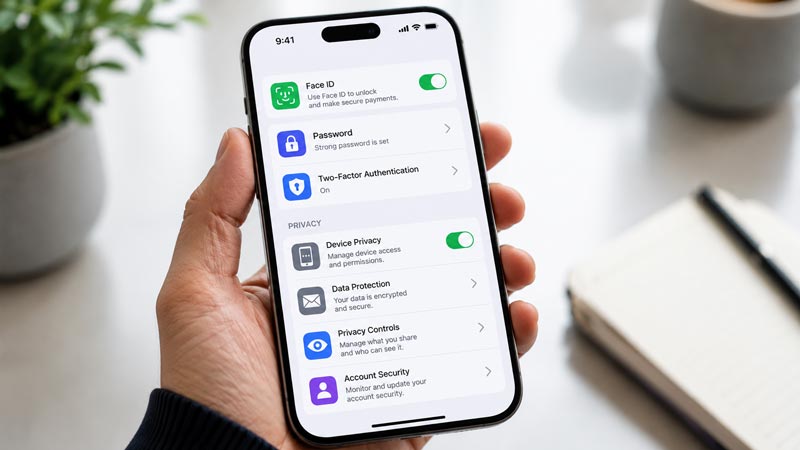
- Keep ‘Find My’ turned on.
- Enable ‘Find My Network’.
- Use a strong passcode.
- Enable Face ID.
- Turn on Two-Factor Authentication.
- Perform regular iCloud backups.
Read this: Simple Steps to Customize iMessage Profile on your Apple Devices (iPhone or iPad)
These settings can be lifesavers during an emergency.
FAQs (Frequently Asked Questions)
Can a lost iPhone be tracked even when offline?
If the “Find My” network is enabled, an approximate location can often be obtained.
Can a stolen iPhone be unlocked?
Due to Activation Lock, using the device without the original Apple ID is extremely difficult.
Can the phone still be tracked after a remote erase?
Tracking capabilities post-erase depend on the specific situation and the state of the device. Use this step only if data security is your priority.
Is filing a police complaint necessary?
If the phone has been stolen or you intend to file an insurance claim, then the answer is definitely yes.
Read this: WhatsApp Payment Option Not Showing on iPhone? Here’s How to Fix It!
Final Verdict
If your iPhone has just been lost, every second counts. First, check “Find My,” then activate “Lost Mode,” and subsequently secure your Apple ID and financial accounts. Panicking won’t help or change anything, but taking these steps in the right order increases both the chances of recovery and data security.
This guide is useful and worth bookmarking for every iPhone user, regardless of your lifestyle. However, if you are an Android user, this guide is not for you. Google has its own app called “Find My Device” that you can use to locate your phone. Most importantly, “Find My” must be enabled *before* the phone is lost, not after.
Read this: How to Fix iCloud Photos Not Syncing: The Ultimate Troubleshooting Guide